Voice Notes to Text: Every Way to Transcribe Them (Free and Paid)
By Jim Breese · · Updated
How do you turn voice notes into text?
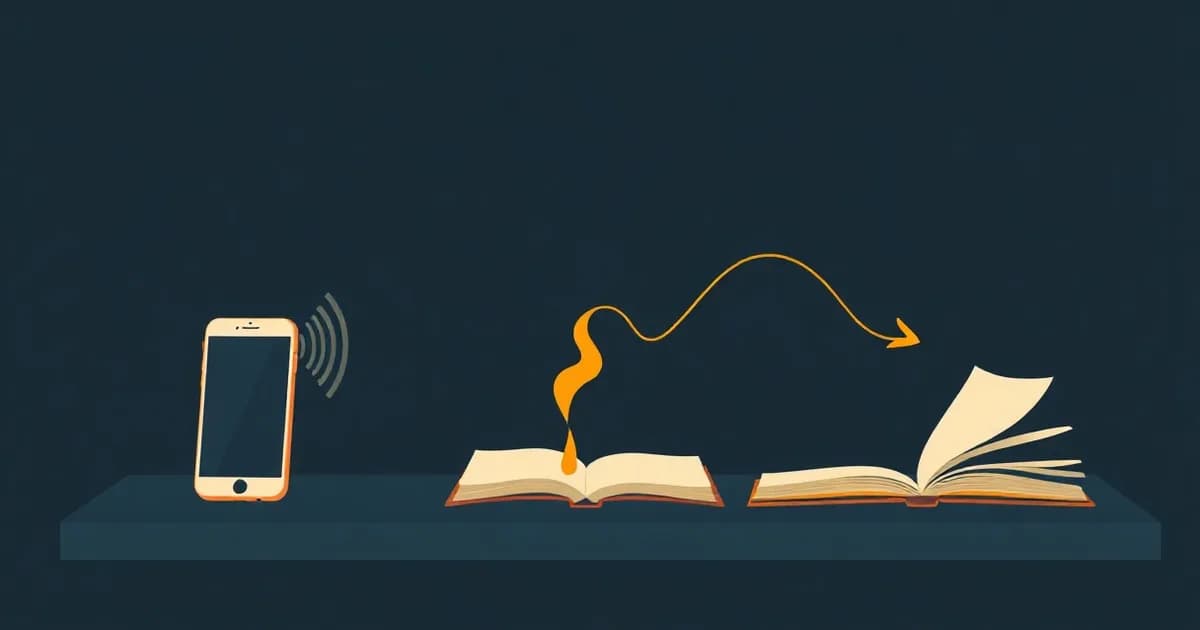
Voice notes become text in one of three ways: a free built-in transcript your device already generates, a live dictation tool that types as you speak, or an upload-and-transcribe utility that turns a finished recording into a transcript document. Each class solves a different problem, and most guides that rank for this do not separate them.
Free built-ins (Apple Voice Memos, WhatsApp, Google Recorder) cost nothing but are gated by your specific device, language, and app version. Live dictation (Speechnotes, Word Dictate) types text in real time while you talk, so there is no separate recording to convert afterward. Upload-and-transcribe utilities (Word Transcribe, Evernote AI Transcribe, Transkriptor) take a recording you already made, sometimes days later, and hand back a written transcript, usually with a price or a monthly cap attached.
Picking the wrong class wastes time. Someone who already recorded a 20-minute voice memo and wants it as text needs an upload-and-transcribe utility, not a dictation tool, since dictation only works while you are actively speaking into it (our step-by-step guide to transcribing voice memos walks every path, including the free built-in one). For the basics on what a voice note actually is and how to send one, see our voice notes guide. The rest of this post breaks down each class with the specific limits that matter before you pick one.
What are the free built-in options?
Three free built-ins cover most phones: Apple Voice Memos on iPhone, WhatsApp voice message transcripts, and Google Recorder on Pixel. Each one costs nothing, but each has a hard requirement that shuts out some readers entirely.
Apple Voice Memos (iPhone)
Voice Memos transcribes recordings automatically on iPhone 12 or later, per Apple's support guide. Supported languages are English (all variants), Spanish, Portuguese, Italian, French, German, Japanese, Korean, Simplified Chinese, and Traditional Chinese; the feature is not available in every country or region. You can view a transcript live while recording or after, copy part of it or all of it, and search by the words inside the transcript, not just the recording's title. Recordings made before iOS 17 are transcribed automatically the first time you open them.
WhatsApp voice message transcripts
WhatsApp transcripts are off by default and must be turned on per device, per WhatsApp's FAQ. Once enabled, only the recipient sees the transcript, generated on-device so end-to-end encryption stays intact; the sender never sees it. Supported languages are English, Portuguese, Spanish, and Russian, a much shorter list than Apple's. Turn it on in WhatsApp Settings > Chats > Voice Message Transcripts, choose a language, then tap and hold any voice message and tap Transcribe. WhatsApp itself warns that transcripts can be inaccurate.
Google Recorder (Pixel)
Google Recorder's transcription features are free but gated by which Pixel you own, per Google's support pages. Real-time transcription works from Pixel 3 onward. Automatic language detection and speaker labels need Pixel 6 or later, including the Fold. AI summaries need Pixel 8 or later, run in the cloud, and only work on recordings from 5 minutes up to 1 hour of speech. Real-time transcription covers 15 languages on Pixel 6 and later; re-transcribing an existing recording covers 39 or more languages. You can also search a recording for words, phrases, or sounds like music or applause.
The pattern across all three: free, but not universal. An Android phone that is not a Pixel gets none of Google's transcription features, though it still has Gboard's own voice typing built in; our Android voice typing guide covers the setup and the permission fix that solves most reported failures. An iPhone older than the 12 gets no Voice Memos transcript. A WhatsApp voice note in a fifth language gets no transcript at all. That gap is where dictation tools and upload utilities step in.
What is live dictation, and how is it different from transcription?
Live dictation types text on screen while you talk; it is not the same tool as transcribing a recording you already made. Speechnotes and Microsoft Word's Dictate feature are the two worth knowing, and mixing them up with an upload utility is the most common mistake in this category.
Speechnotes offers a free browser dictation notepad, unlimited and ad-supported, per its site, plus an ad-free Premium tier at $1.90 a month. The actual voice recognition is delegated to Chrome, Edge, or your phone's operating system rather than to Speechnotes' own servers, and results save locally in your browser. Speechnotes also sells file transcription separately, at $0.10 per minute pay-as-you-go with no subscription, which is really the upload-and-transcribe use case, not dictation.
Microsoft Word's Dictate feature is only available to Microsoft 365 subscribers, per Microsoft's support pages; it is not available in Office 2016 or 2019 for Windows without a Microsoft 365 subscription. It works in Word for Microsoft 365 on Windows and Mac, Word 2021 and 2024, Word for the web, and Word Mobile, supports spoken punctuation commands, and fully supports 30 or more languages with a longer preview list at lower accuracy. It needs a continuous internet connection, and Microsoft states the service does not store your audio or your transcribed text.
Dictation suits someone drafting a document live who wants to see words appear as they talk. It does not help with a recording you already made in the car an hour ago; for that, you need an upload-and-transcribe utility.
What do the upload-and-transcribe utilities cost, and what are their limits?
Word Transcribe, Evernote AI Transcribe, and Transkriptor all take a finished recording and hand back a transcript, but their costs and caps differ enough to matter before you upload anything.
Microsoft Word Transcribe
Word Transcribe also requires a Microsoft 365 subscription, per Microsoft's support pages, and caps uploaded audio at 300 minutes per month; a Microsoft Copilot license raises that to 30,000 minutes per month. It accepts .wav, .mp4, .m4a, and .mp3 files (if MP3 is your format, our guide to converting MP3 files compares more options, and the .opus files WhatsApp exports need a different path), works in the new Microsoft Edge and Chrome for Word on the web, and has limited desktop availability restricted to Windows, Word for Microsoft 365, and commercial tenants. It separates speakers as "Speaker 1" and "Speaker 2," both relabelable, and supports 80 or more locales.
Evernote AI Transcribe
Evernote AI Transcribe converts audio, video, images, and handwriting to editable text, and per Evernote's own compare table, the feature itself is checked on every plan, including Free. Files can be up to 100MB and 2 hours long, in over 50 languages, per Evernote's page for the feature. Evernote publishes no separate transcription-minute quota anywhere. The catch is the account around it: Evernote's Free plan caps out at 50 notes and 1GB of storage total, per its pricing page, so a free account fills up fast if transcripts are your main use.
Transkriptor
Transkriptor's Play Store listing advertises a free plan with 90 minutes of transcription, but developer replies to reviews describe a narrower reality: the free trial "can transcribe 80% of the file duration, up to 7 minutes" per file. Paid access runs $9.99 to $179.99 per in-app purchase item, per the Play Store's own pricing data for the app. One reviewer with 14 helpful votes reported an annual plan that showed a monthly price but then billed the full year at once; another said the app did not disclose its free limit "until AFTER I had already been talking."
The quota opacity is the pattern to watch for across all three: Word Transcribe states its cap plainly, Evernote states no cap at all, and Transkriptor's advertised free minutes and its own reviewers' lived experience do not match. Reading the fine print before you upload a real recording saves a surprise later.
What does voice-to-text still not solve?
Turning a voice note into text does not turn it into something usable. A transcript of a ramble is still a ramble: the words are all there, correctly spelled, and just as disorganized as when you said them.
Transcription itself is becoming a commodity. Apple ships it free in Voice Memos, WhatsApp ships it free in chats, and Word and Evernote both bundle it into products you may already pay for. None of that touches the actual problem, which is turning what you said into something you can act on: a task list, a note filed under the right project, a document you can find again next week.
Say a voice note to yourself is: "call the dentist, follow up with Sam, the Thursday deadline is stressing me out, look into that espresso machine." Every tool in this post gives that back to you as one unbroken paragraph of text. None of them split it into a task list the way an AI to-do app aims to, file it by project, or make it searchable by anything other than the exact words you used.
As we cover in what is a brain dump, speaking out loud is the fastest form of capture there is. The problem in this post is a different one: speed of capture and usefulness of the output are not the same thing, and nothing above closes that gap for free.
Where InstantOwl fits
Full disclosure: InstantOwl is our product, and this is our blog. We built it because every tool in this post stops at the transcript, and a transcript is the beginning of the work, not the end of it.
AudioPen deserves credit as the pioneer of the next step: it takes one voice note and cleans it up, removing filler and rambling and applying a chosen writing style, rather than handing back a raw transcript; our full AudioPen review covers it in depth. Tools that go past cleanup to full AI notes from your audio split into two families worth knowing before you pick one. Per its own site, AudioPen has no subscription: 3 months costs $33 ($11 a month), 1 year costs $99 ($8.25 a month), and every plan caps a single recording at 15 minutes.
InstantOwl goes a step further than cleaning up one note at a time. A recording turns into organized output: tasks extracted, notes titled and filed, not a single polished paragraph you still have to sort and file yourself. It is built for someone whose voice notes are a daily stream of ideas, tasks, and half-formed plans, not an occasional note to tidy up once. InstantOwl is currently free to use, and we would rather state our limits plainly up front, since surprise caps are the most common complaint in this whole category.
Related reading
- Voice notes: what a voice note is, and the difference between sending one and keeping one.
- Voice notes apps compared: a fuller roundup of dedicated voice-notes apps beyond transcription alone.
- What is a brain dump: why speaking out loud is the fastest way to get a thought out of your head.
- InstantOwl: organized notes and tasks from one recording, currently free to use.
Frequently asked questions
Can I turn voice notes into text?
Yes. Apple Voice Memos and WhatsApp transcribe for free on supported devices and languages, Speechnotes and Word Dictate turn live speech into text as you talk, and Word Transcribe, Evernote AI Transcribe, and Transkriptor convert an uploaded recording into a transcript document.
How do I transcribe a WhatsApp voice note?
Turn on WhatsApp Settings > Chats > Voice Message Transcripts, choose a language, then tap and hold any voice message and tap Transcribe. Per WhatsApp's FAQ, transcripts are off by default, visible only to the recipient, generated on-device, limited to English, Portuguese, Spanish, and Russian, and can be inaccurate.
Can voice notes be transcribed for free?
Yes, with real limits. Apple Voice Memos is free but needs an iPhone 12 or later, WhatsApp transcripts are free but recipient-only and cover four languages, and Evernote AI Transcribe is included on its free plan though the account itself caps out at 50 notes, per each company's own pages.
How do I turn voice into text in Word?
Word has two separate tools, both requiring a Microsoft 365 subscription. Dictate turns live speech into text as you talk. Transcribe converts an uploaded .wav, .mp4, .m4a, or .mp3 file into a transcript and caps uploads at 300 minutes per month, or 30,000 with a Microsoft Copilot license, per Microsoft's support pages.

Written by
Jim BreeseJim Breese is the founder of InstantOwl. He's spent 15 years building companies, from an Airbnb host community he founded and exited to growth leadership at venture-backed SaaS startups. He built InstantOwl because his best ideas kept arriving mid-walk, out of order, and half-finished.
Stop losing good ideas.
InstantOwl turns a rambling voice note into a clean, organized document in moments. Just talk. We'll organize it.
 Try InstantOwl free